What is it?
DR.Anmeldung connects a guided online form with the signed paper document. Families enter their information once, review it and receive a printable PDF. An encrypted QR code travels with the form. At school, it can be read from the scanned document and prepared for the school administration system.
Which problems does it solve?
School registration needs reliable information and often still requires a signature on paper. The idea is to guide families through clear questions and carry the information they enter through to the school administration process. The signed printout remains part of the workflow. The web form does not need a permanent database of registration records to make that connection.
How is it built?
The QR code connects the paper form with digital processing. The information in the QR code is encrypted. With the matching password, tools on the school’s computer can read it and prepare it for the school administration system. While the form is being completed, sensitive information is stored only temporarily and in encrypted form. The time available for completing the form is limited. The PDF can also be password-protected. Form processing and PDF creation take place on your own server. No permanent database of registrations is needed.
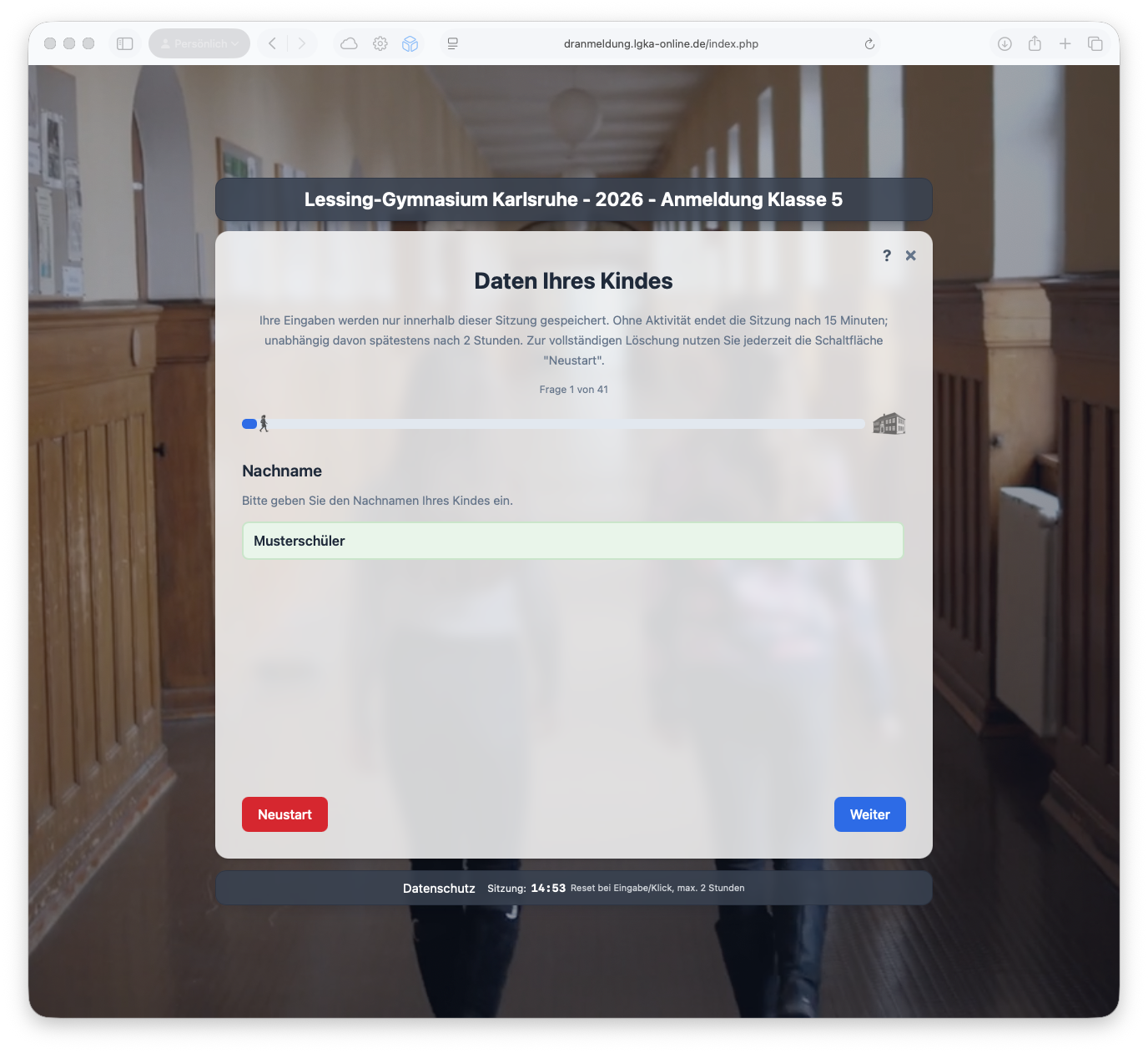
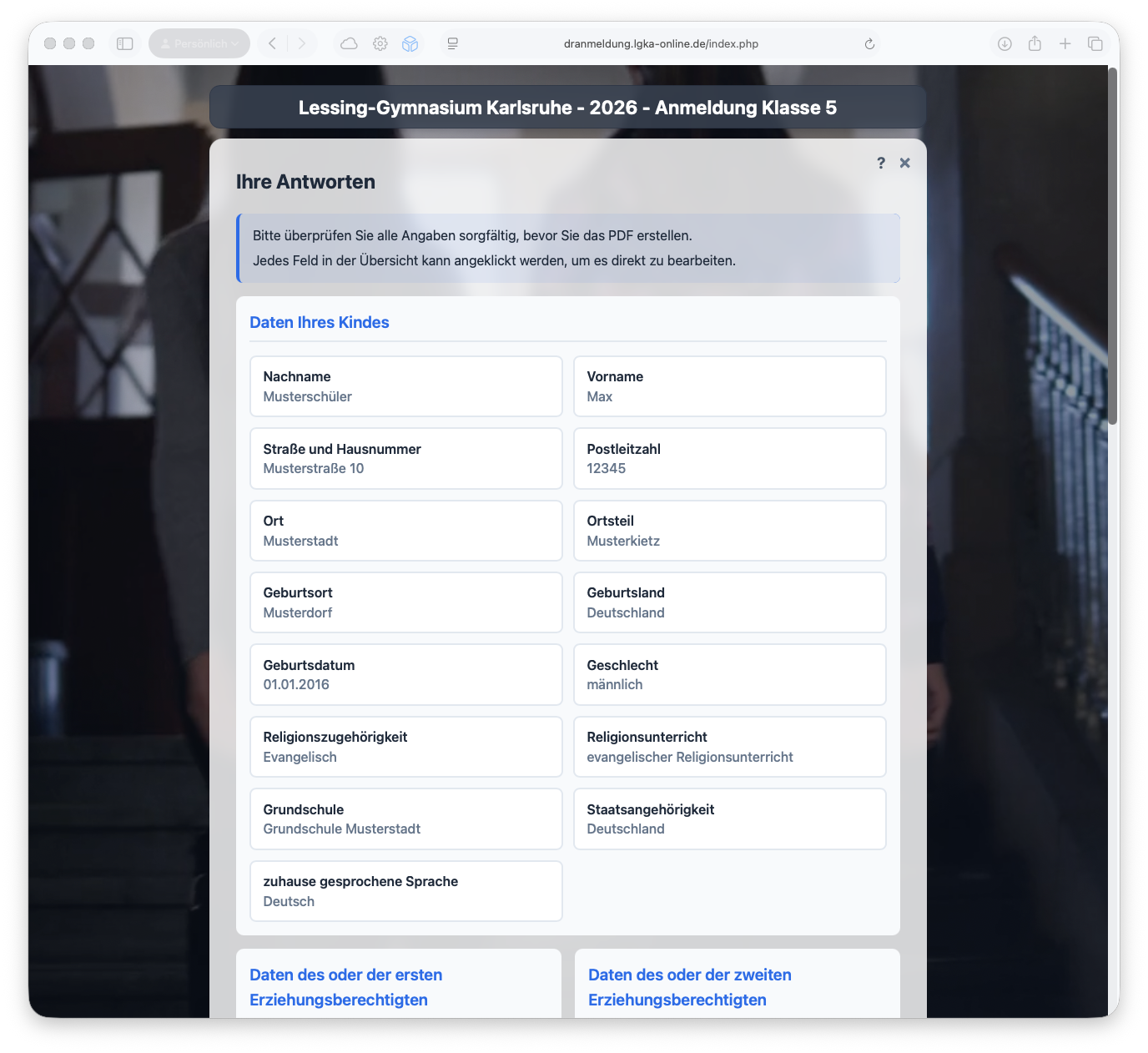
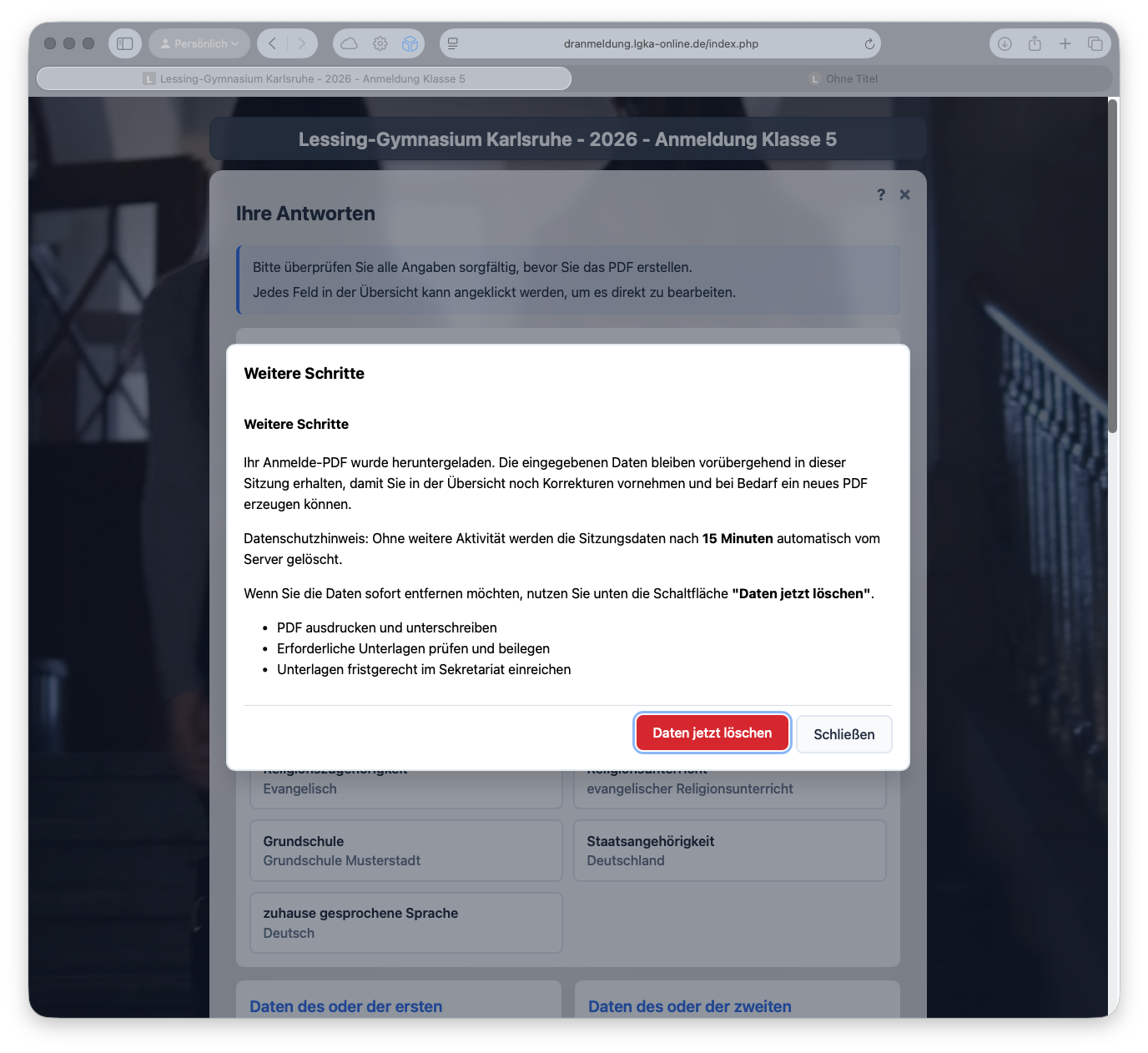
DR.Anmeldung screenshots
These screenshots show the German interface with example data.
Video walkthrough
School registration explained
From the online form to the signed printout. This German-language video demonstrates the process using the 2026 registration as an example.