What is it?
DR.Date helps groups find a time to meet on their own server. Organisers use an assistant to propose whole days or specific time slots. Participants indicate their availability through a shared link. The results show suitable dates and possible attendance. When changes are allowed, participants can update their responses through a personal editing link.
Which problems does it solve?
Scheduling becomes difficult when replies arrive separately or plans change. DR.Date keeps proposals and responses together and makes common availability visible. Availability can also reveal personal routines. Access restrictions, names and encryption can therefore be chosen to suit the group, rather than distributing this information more widely than necessary.
How is it built?
When encryption is enabled, titles, descriptions, proposed dates and times, supplied names and responses are stored in encrypted form. Participation and results are unlocked with separate passwords. Administrator access alone does not allow this content to be viewed. Notifications omit participant names and do not reveal encrypted titles. Automatic deletion after the set period limits how long data is stored. Administrators cannot recover lost passwords.
DR.Date screenshots
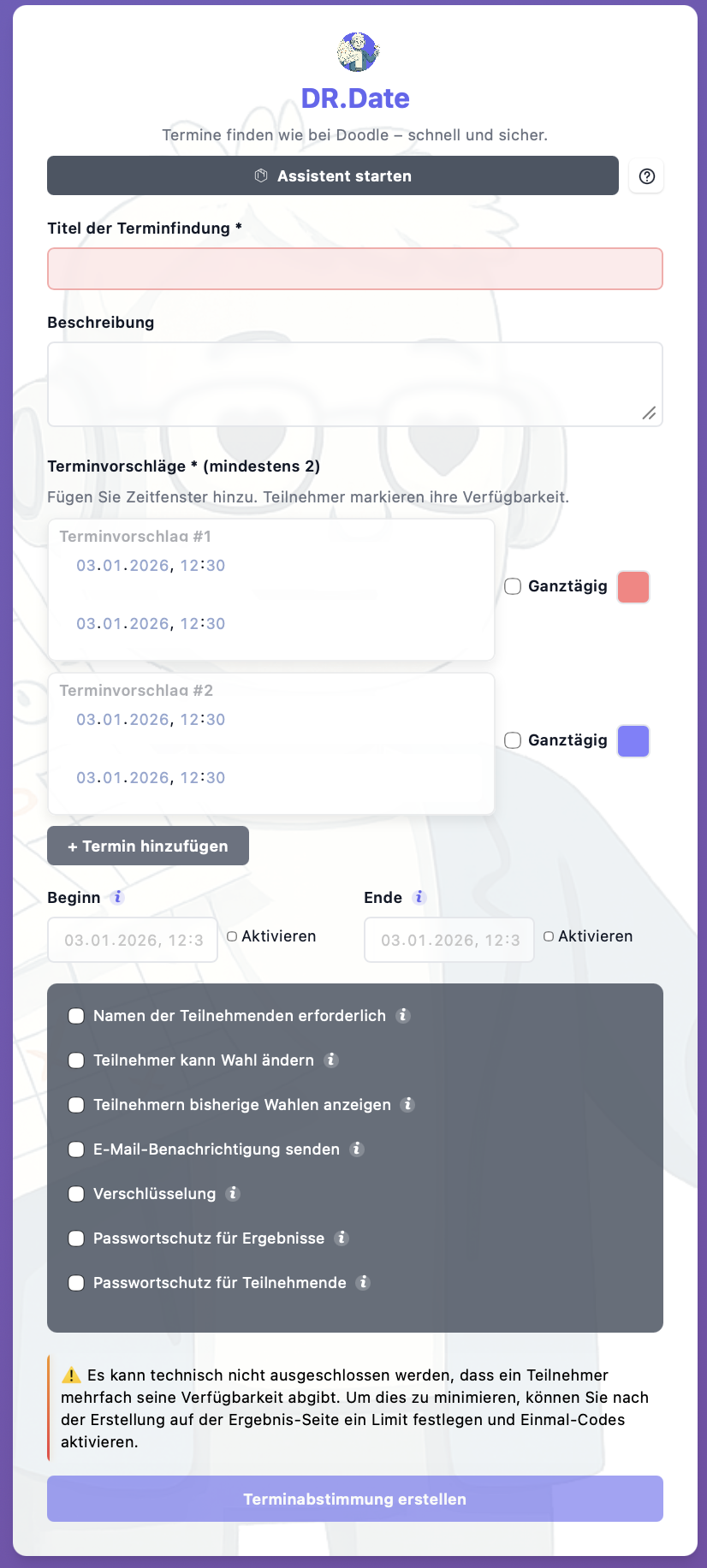
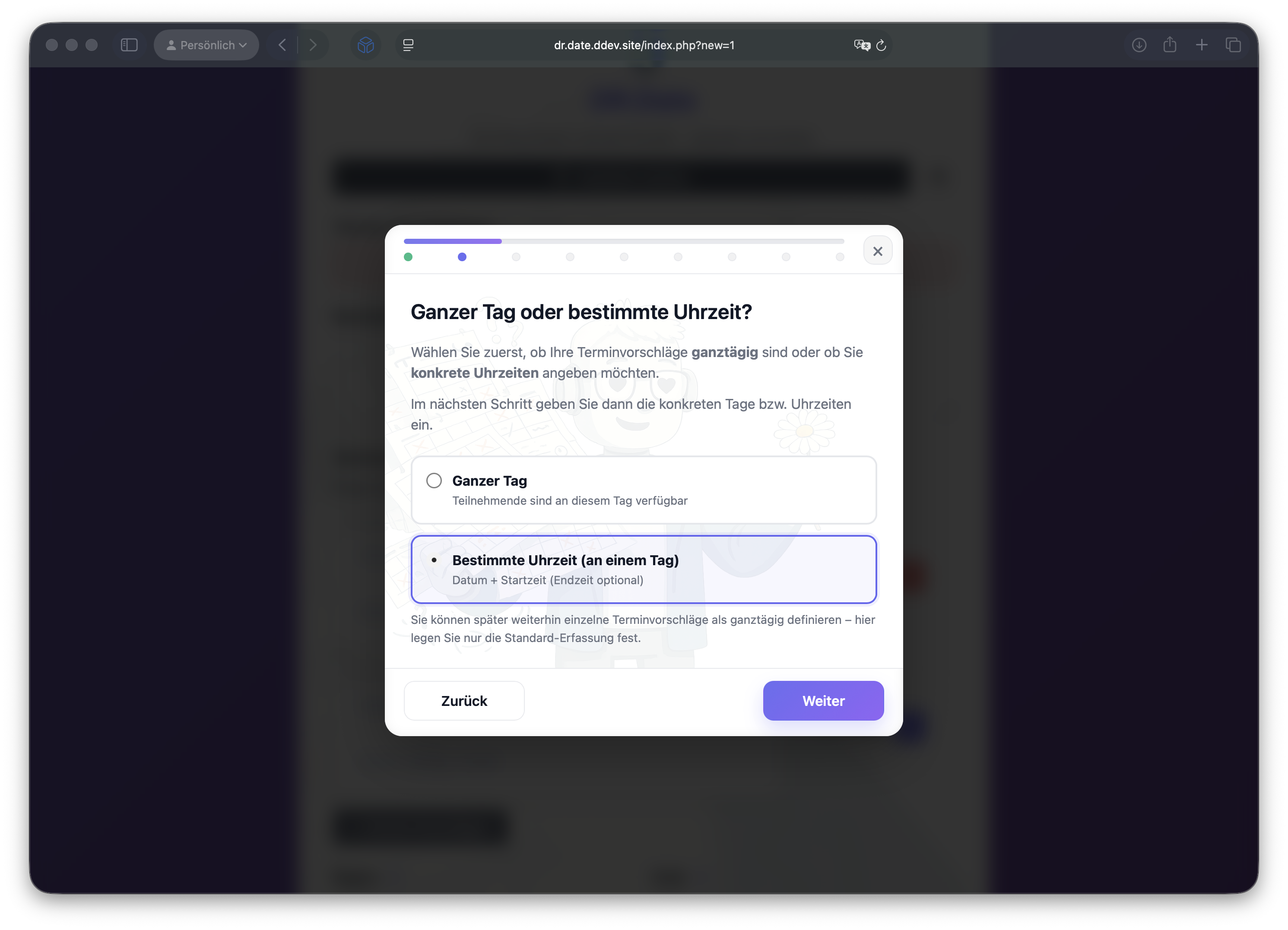
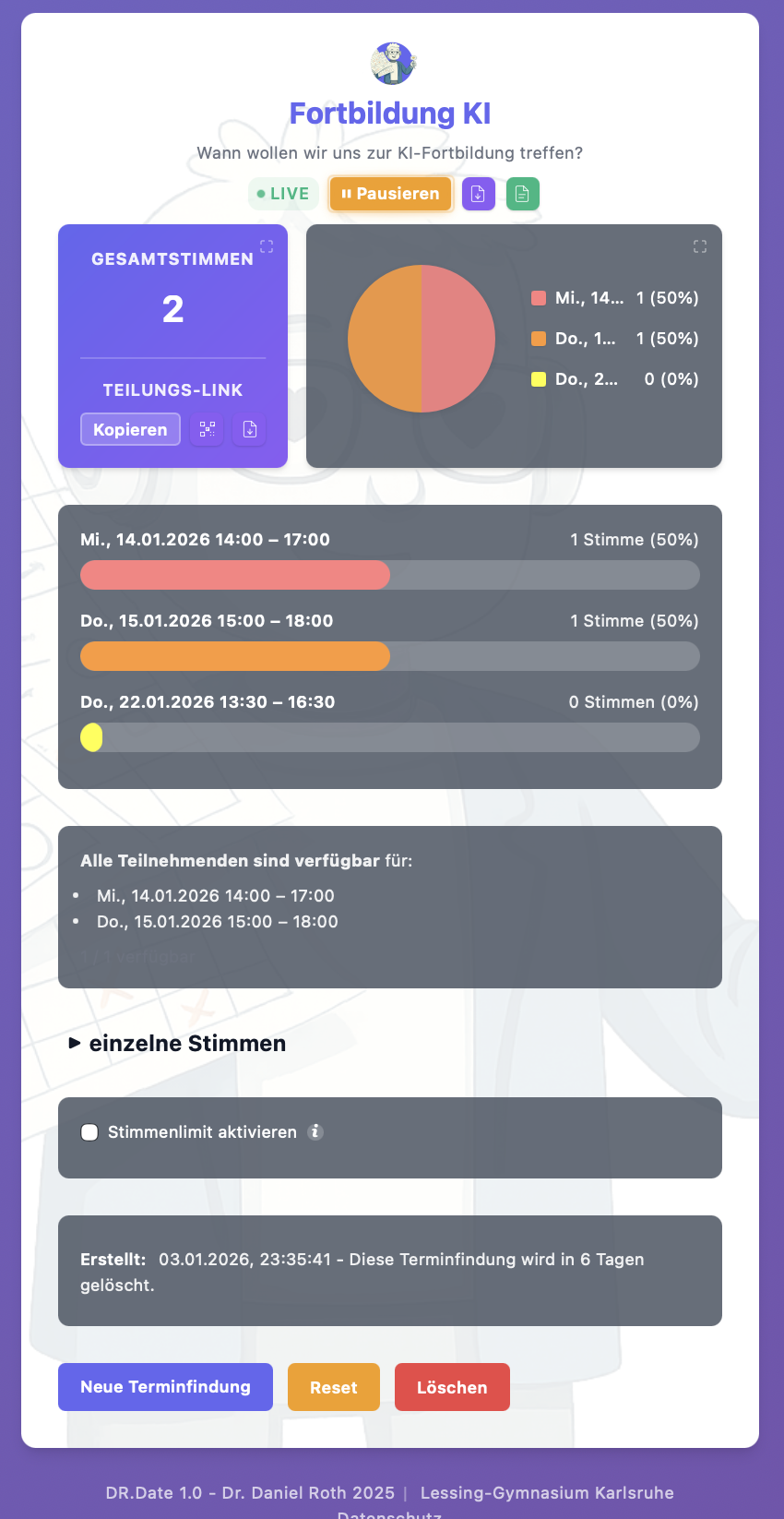
These screenshots show the German interface with example data.
Video walkthrough
Scheduling with DR.Date
German-language walkthrough from proposing dates to reviewing the group's availability.
When encryption is enabled, access is unlocked with the appropriate participation or results password. Administrator access does not replace that password.